

Open dimension mappings
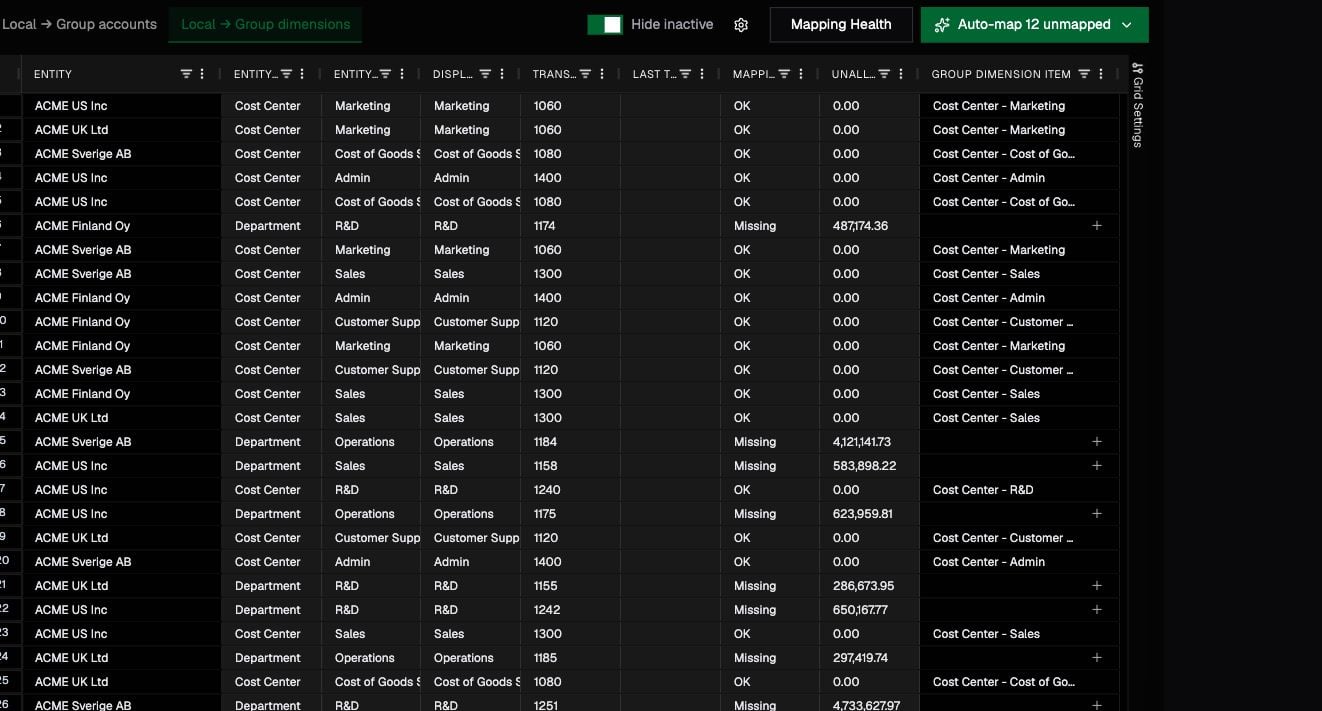
Open . The page supports filters for unmapped rows, transaction activity, and inactive items. Each row represents a local dimension item and its group mapping.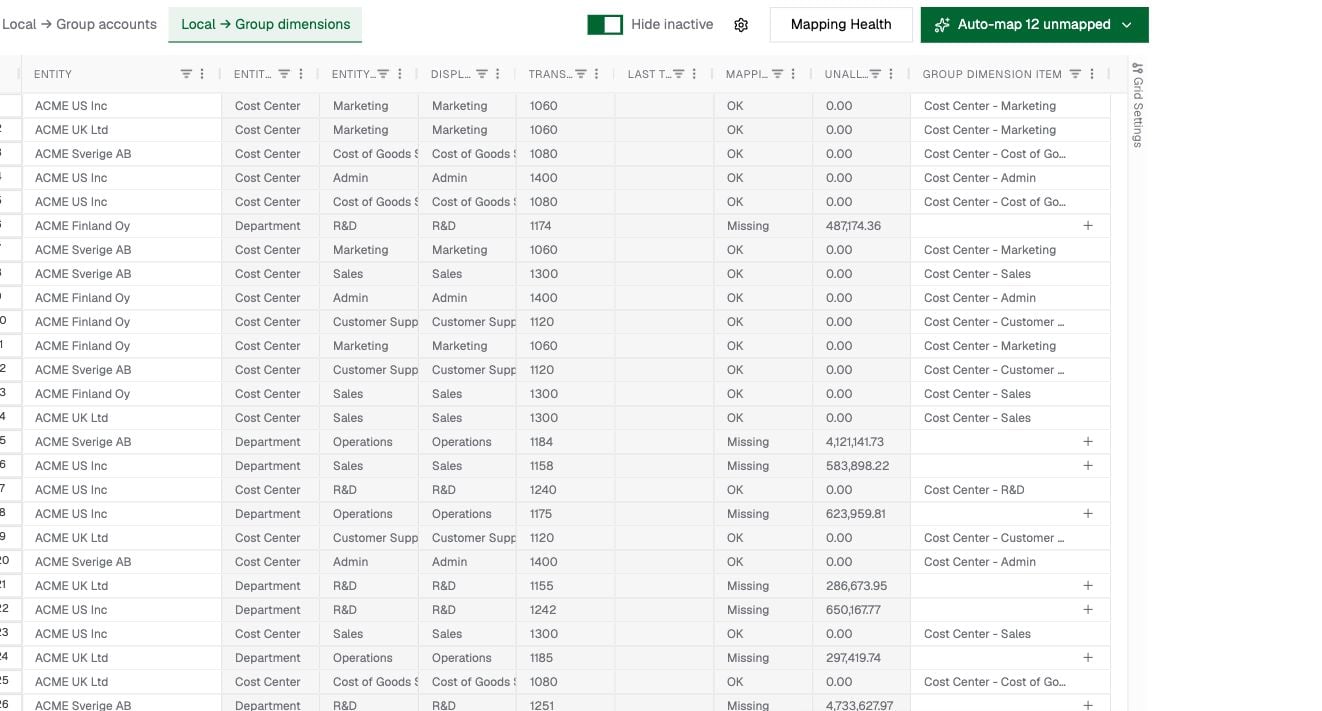
Map an item
- Find the local dimension item.
- Confirm which local dimension it belongs to.
- Select the matching group dimension item.
- Save the change and verify the mapped group dimension and item.
Map new cost centers or projects
After the source-system sync completes, new values appear in the local dimension list. Map each new local item to an existing group item, or create the required group item first. The UI does not currently support uploading a CSV dump directly into these mapping views.Use AI-assisted mapping
If AI mapping is enabled, select rows and choose Map selected, or leave the selection empty to target all unmapped items across the workspace. The Auto-map N unmapped button shows the workspace-wide count and stays consistent as you scroll. Review the suggestions before applying them. Each AI mapping run processes at most 100 dimension items. If you select more than 100 rows, the button becomes Map first 100 of X selected and the remaining rows stay unmapped for the next run. Generate Group Dimensions can propose a group structure and map local items into it. This is most useful during initial setup; established workspaces should avoid creating near-duplicate group dimensions.Check mapping health
Choose Mapping Health to find cross-dimension mappings where the local dimension and mapped group dimension do not match. The view summarizes affected entities and visualizes the path from local dimension to local item to group dimension and item. Resolve these issues before relying on dimension-level comparisons across entities.Understand the hierarchy
Open to organize standardized group items.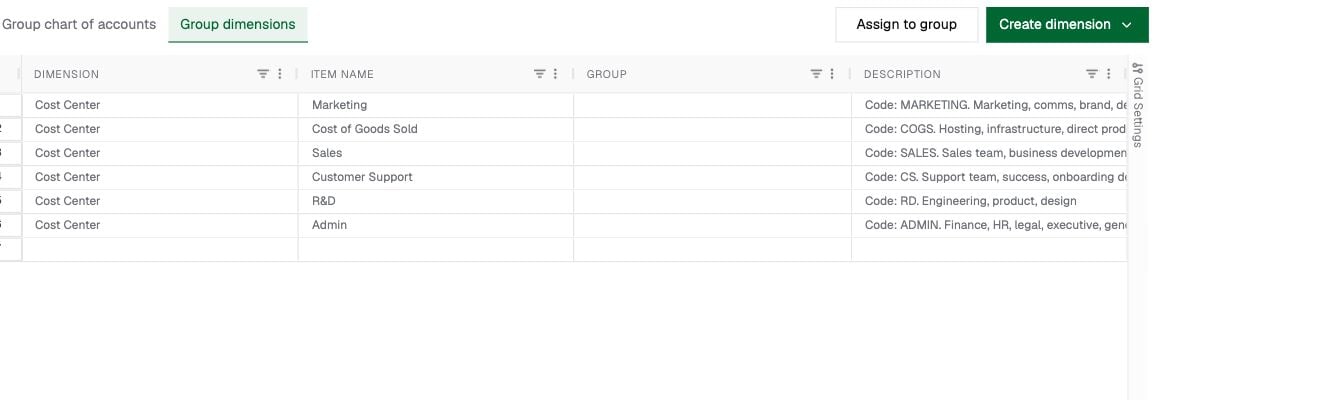
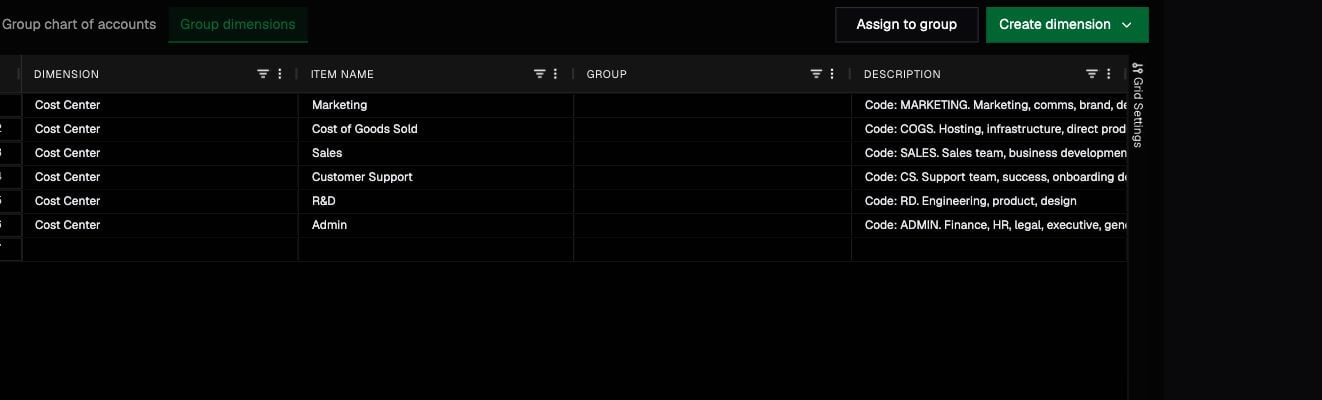
Sales → Commercial → Total company, even though the table only shows its immediate parent.
Rows without a parent are top-level items. Moving an item to another parent changes where it appears in hierarchical selectors and rollups; it does not change the local-to-group mapping.
Text in parentheses has no special technical meaning. It is part of the name received from the source system unless your team deliberately uses it as a naming convention.
Troubleshooting
A new item is not visible
Confirm that the source sync completed, inactive items are not hidden, and you are viewing the correct entity.A report filter returns unexpected values
Check both levels:- The local item maps to the intended group item.
- The group item sits under the intended parent in the group hierarchy.